
This week, we spent time looking into different online assessment tools. I’ve always been pretty weary at the thought of using them in my classroom, but not because I don’t like them or think they aren’t a great way to give assessments. The thing is, I teach 1st grade. When they come to my classroom, they don’t really know how to take a test. In Kindergarten, almost everything is read to them. There are typically more pictures on the page than words, if there are any words at all. This means that I have to teach my students how to take a test. We use every test we give as a test on test taking skills. In my opinion, it just seems more practical to introduce online assessments after students are better at taking a test. This is not an excuse to avoid online assessment tools, just a little insight on why they don’t see much use coming from a lower grade teacher. For this assignment, we had to choose two different tools and create sample assessments.
Since I created a Social Studies unit for last week’s assignment, I decided to continue with that for my first sample assessment. I used Kahoot because I am relatively familiar with it and it seems like a very fun and engaging way to assess students. For those who don’t know, Kahoot is a site that can be used to create, play and share fun learning games or quizzes. It allows you to add pictures, videos and diagrams to your questions to increase engagement. Players answer questions on their own or a shared device while questions are displayed on the board for all to see. Correct answers earn points and the faster you answer the more points you receive. They can even be shared as homework assignments and can be done on cellphones! Please check it out if you haven’t already! I used Kahoot to create this School Rules Test.
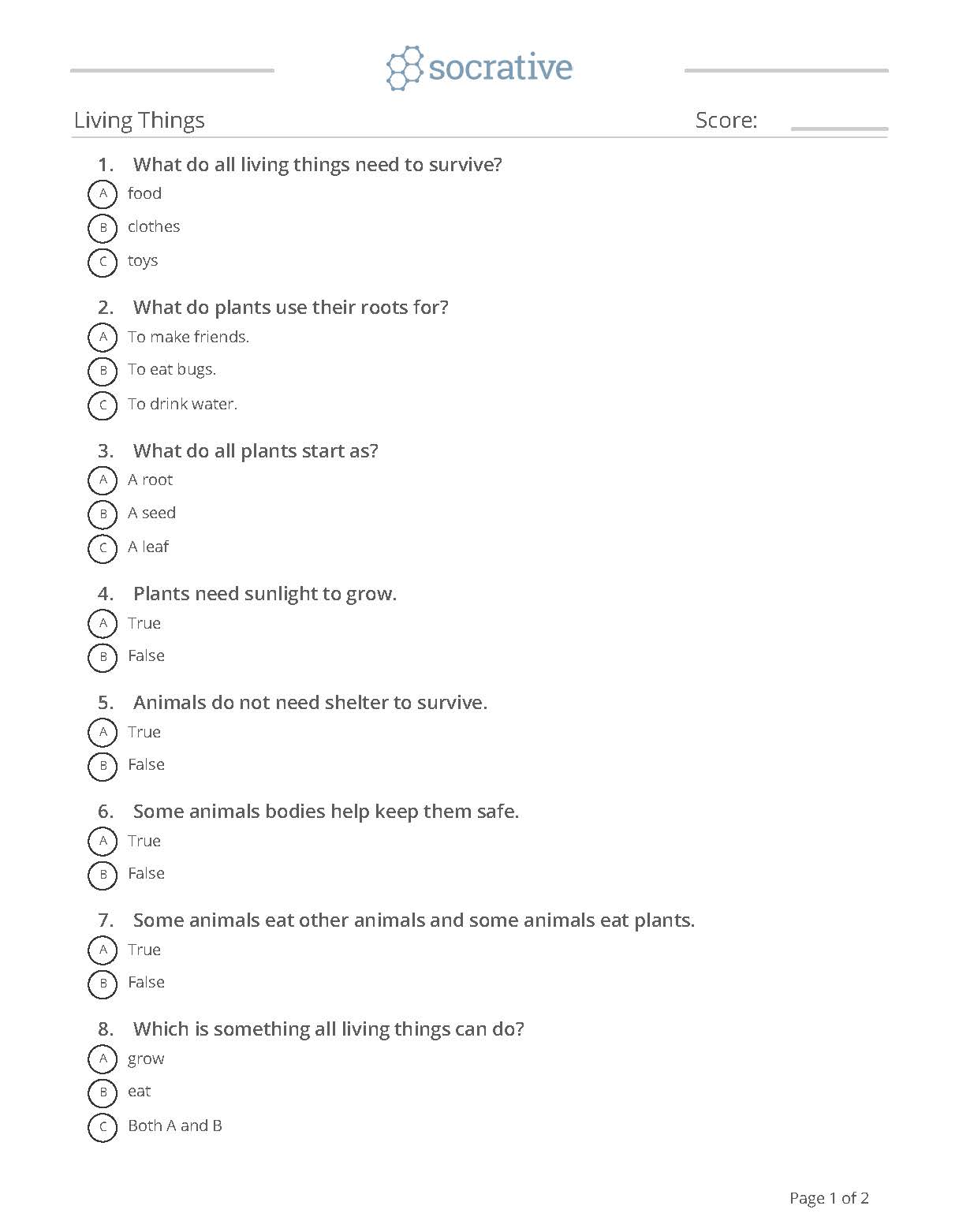
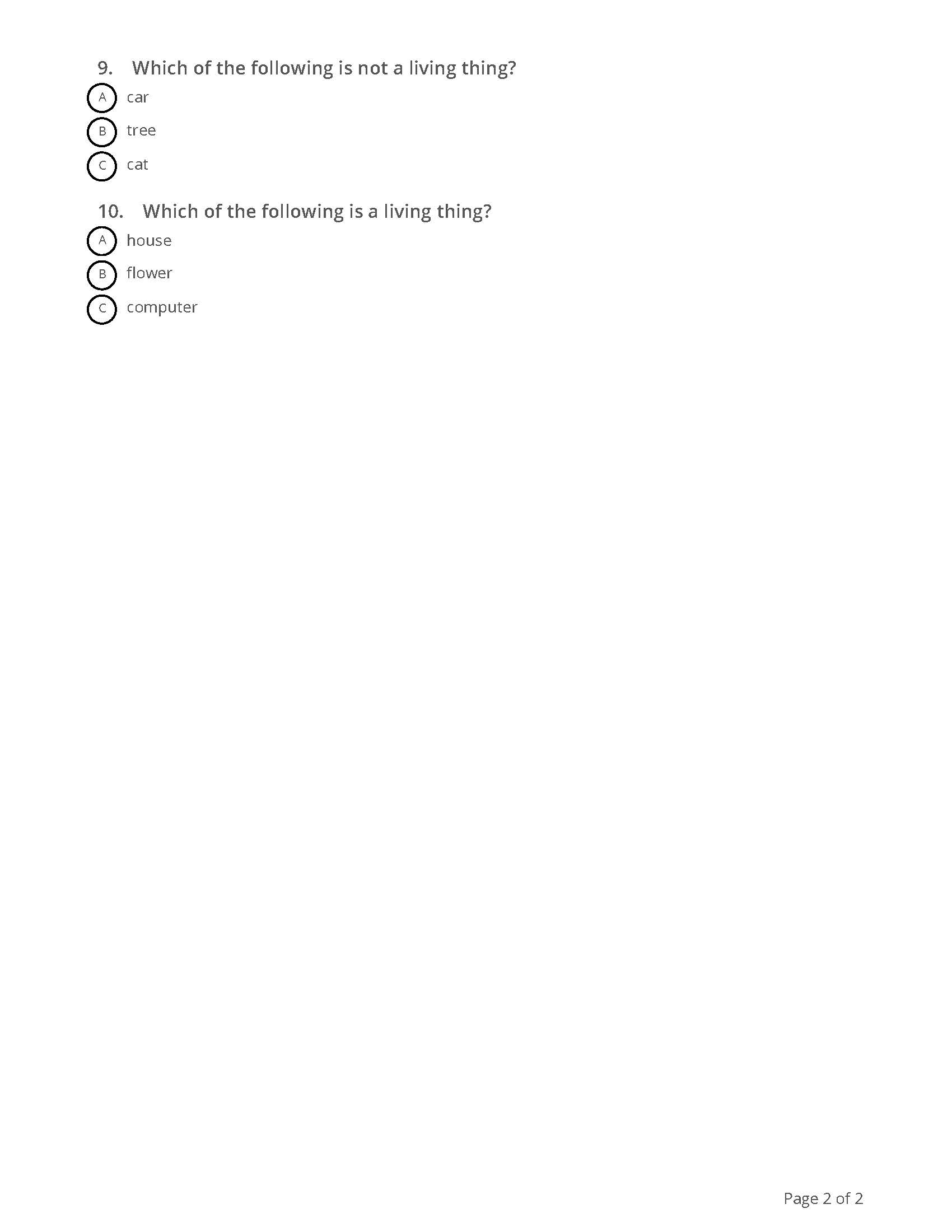
Figuring out which tool I would use for my second sample assessment wasn’t as easy. I was not very familiar with any of the other tools which isn’t a problem because the point of the assignment is to learn something new. However, a lot of options just seemed better suited for older kids or the free version doesn’t give you as many options. I tried some different options but they just didn’t work out how I planned and I ultimately went with Socrative. Socrative allows you to watch students’ answers in real time or create exit tickets to gauge their understanding of your lesson. Gaps in learning can be easily identified and addressed. The free version doesn’t have as many options as the paid version does, but it is still a great tool to use. I created a quiz on Living Things that you can see below. Overall, I think I am more open to the idea of online assessments, but more so later in the school year!
 Adrian's Blog